第 7 篇,共 8 篇
通过 API、MCP 和项目链接实现 Keysmith 自动化
高级 12 分钟
在 Keysmith 主机上通过脚本或 AI 智能体调用这十四个工具,以 JSON 构建项目,并通过 #project= 链接打开。
Keysmith 在服务器上运行的一切都是普通的 usefulweb.site 工具。在 Keysmith 主机上,API、MCP 服务器和 OpenAPI 文档列出的正是这十四个工具。
| 端点 | 内容 |
|---|---|
GET /api/v1/tools | 14 个工具及其 MCP 名称 |
GET /api/v1/tools/<id> | 输入架构、输出架构和示例 |
POST /api/v1/tools/<id>/calculate | 运行工具:输入 JSON,输出结果封装 |
POST /mcp | MCP 服务器 usefulweb-keysmith(tools/list、tools/call) |
GET /project.schema.json | Keysmith 项目格式 |
/openapi.json、/llms.txt | 机器可读的说明 |
运行工具
curl -s https://keysmith.usefulweb.site/api/v1/tools/tls-cipher-suite-simulator/calculate \
  -H 'content-type: application/json' -d '{"serverPreset":"modern"}'
响应中的 summary 内容为 Mozilla modern (guidelines 6.0): 14 of 36 simulated clients connect, 22 fail (Android 2.3.7, Android 4.4.2, Android 5.0.0, …); grade A+ on our scale.(Mozilla modern(指南 6.0):36 个模拟客户端中有 14 个连接成功,22 个失败(Android 2.3.7、Android 4.4.2、Android 5.0.0 等);按我们的评分标准评为 A+。)result.results 为每个客户端包含一次握手,与 Keysmith 的“比较”选项卡使用的数据相同。
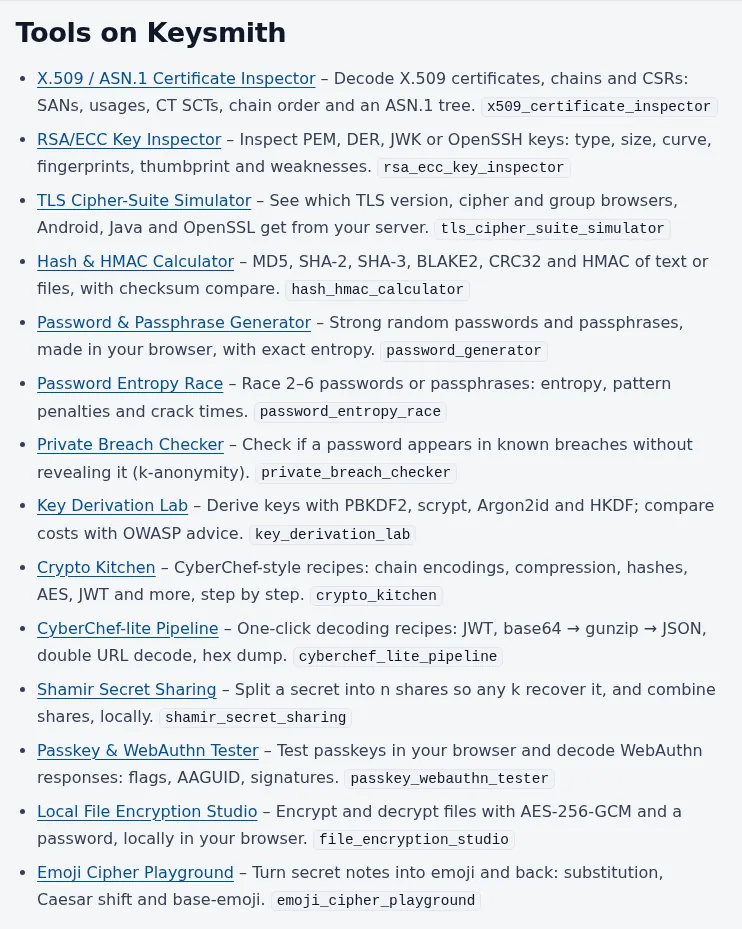
通过 MCP 调用时,工具名称为 x509_certificate_inspector、rsa_ecc_key_inspector、tls_cipher_suite_simulator 等。速率限制与主站相同。较重的工具(文件哈希、密钥派生、文件加密)每分钟约允许六次调用,超出时返回 HTTP 429 并附带 retry-after。
请注意,服务器工具会接收你提交的输入。智能体只应发送公开材料(证书、公钥、TLS 设置)和测试值。
构建项目
项目是一个 JSON,包含 format: "keysmith-project"、version: 1、一个 name 和 items。每个条目都有一个 id、一个 kind 和 inputs:
{
  "format": "keysmith-project",
  "version": 1,
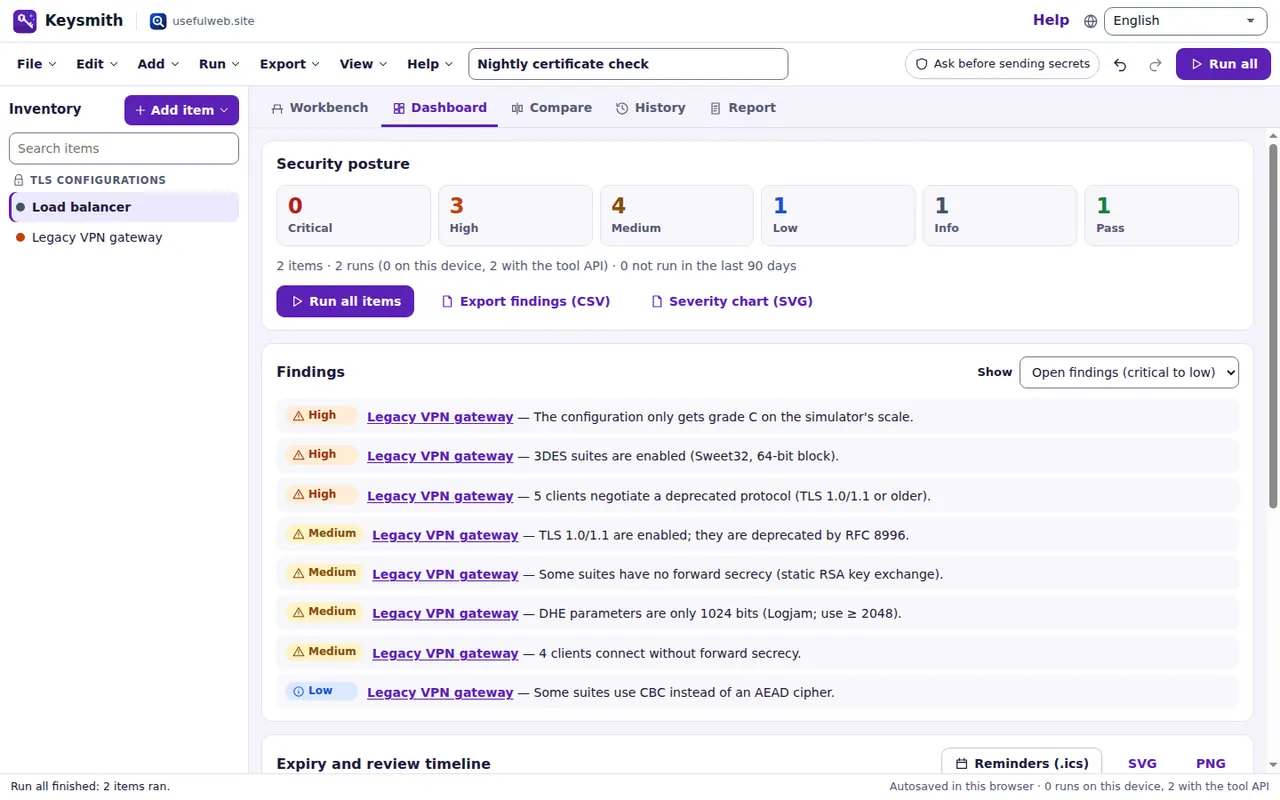
  "name": "Nightly certificate check",
  "settings": { "serverPolicy": "ask", "expiryWarnDays": 45, "reminderLeadDays": 21 },
  "items": [
    { "id": "i1", "kind": "certificate", "name": "www", "owner": "Web team", "inputs": { "pem": "-----BEGIN CERTIFICATE-----\n…" } },
    { "id": "i2", "kind": "tls", "name": "Load balancer", "inputs": { "serverPreset": "intermediate" } },
    { "id": "i3", "kind": "key", "name": "Deploy key", "reviewBy": "2027-01-15", "inputs": { "key": "ssh-ed25519 AAAA… deploy@ci" } }
  ]
}类型:certificate、key、tls、checksum、password、kdf、recipe、sharing、passkey、encryption、emoji。未知字段会回退为默认值。只有当条目设置了 keepSecrets: true 时,才会从 secrets 读取机密字段。
智能体还可以添加 runs,例如其自身 API 调用的结果,包含 toolId、at、where、ok、summary、metrics、findings(severity + text)和一个 digest。Keysmith 随即会在仪表板和历史记录中显示这些结果。
在工作区中打开
将 JSON 编码为 Base64URL 并附加到链接后:https://keysmith.usefulweb.site/app#project=<base64url>。该链接会打开项目,将其保存在浏览器中,并从地址栏中移除片段。在工作区中使用 文件 → 复制分享链接… 可生成同类链接。项目越大,链接越长。对于大型清单,请改为发送 .keysmith.json 文件(文件 → 打开项目文件…)。
模板链接的用法相同:/app#template=web-shop-audit 会打开一个模板并运行其中的公开条目。
准备好试试了吗?